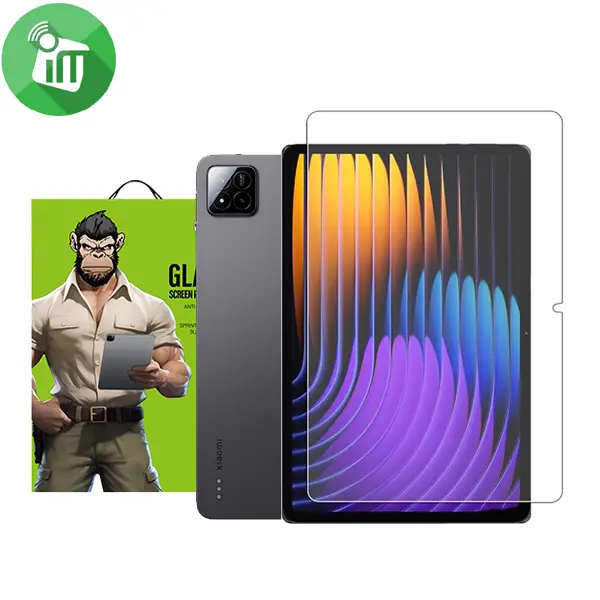
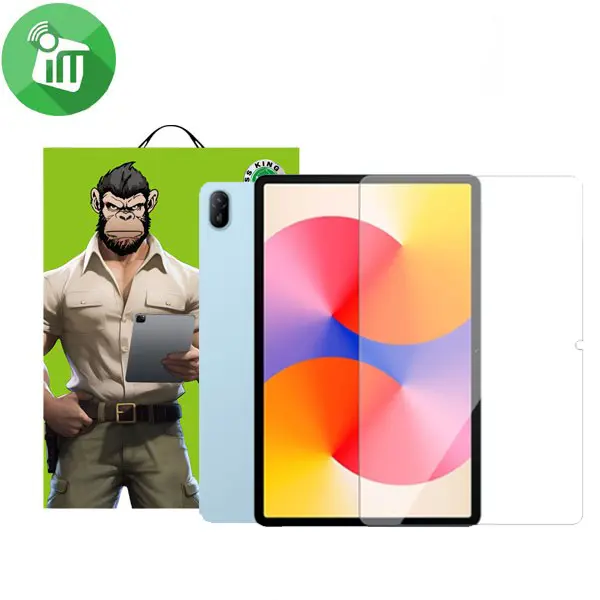
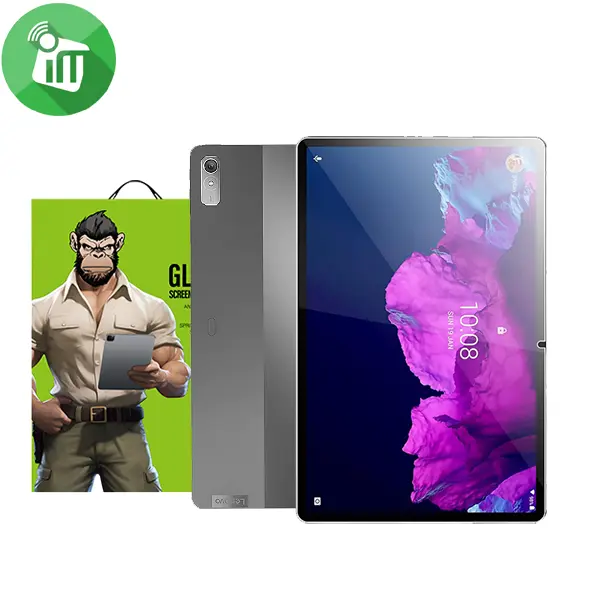
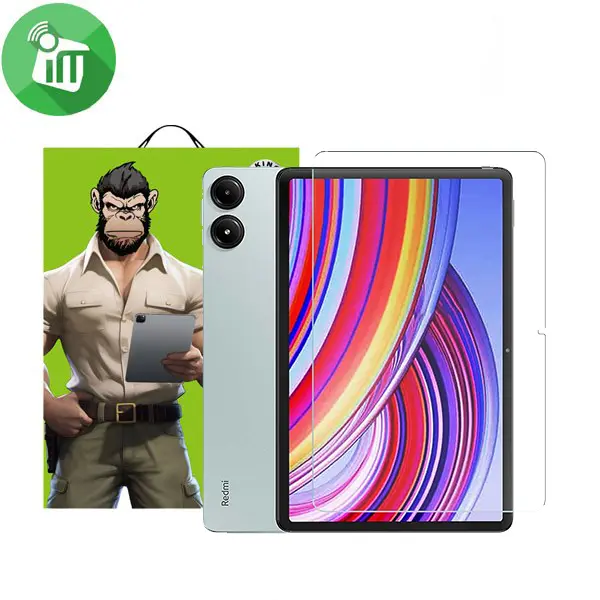
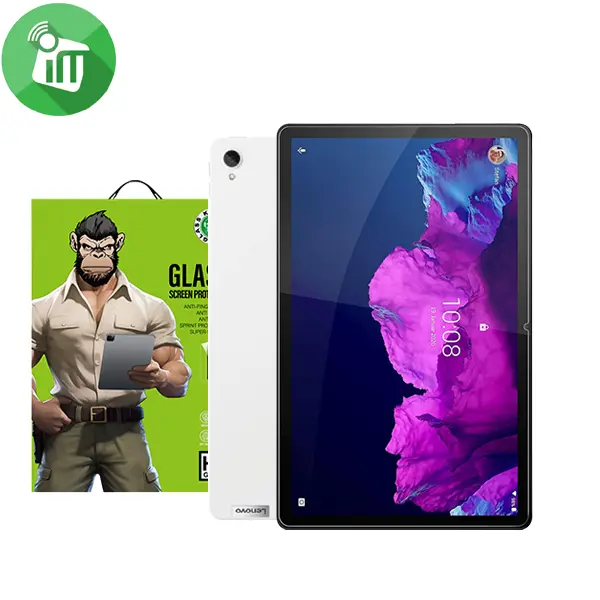
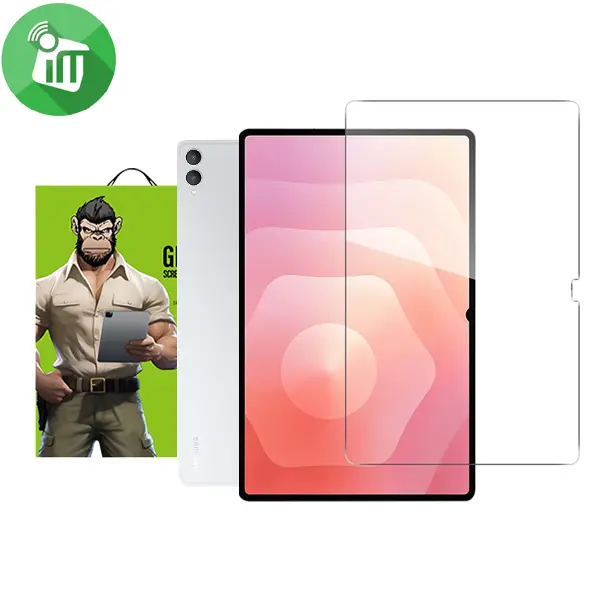
iScreen Glass Anti-Shock Screen Protector Xiaomi Redmi Pad Pro
$19.11
$32.3
iScreen Glass Anti-Shock Screen Protector Xiaomi Redmi Pad Pro Overview Anti-Scratch Made of 9H hardness tempered glass, the clear protective film can keep the screen highly resistant to daily scratches and abrasions. Ultra-Clarity The tempered glass screen protector is highly responsive and transparent, bringing enjoyable original viewing experience and smooth touch. Perfect Clarity Offering crystal clear clarity, this screen protector allows you to enjoy your true colors and resolution without any distortions Ultimate Scratch Protection Made of advanced materials, this 9h hardness tempered glass screen protector provides an unparalleled scratch resistance, keeping your screen looking brand new Fingerprint Free Has Hydrophobic Oleophobic Coating, which is smudge-resistant and oil-resistant and can effectively reduce fingerprint marks and also making it easier to clean. Install Easily Easy to install with the attached kits, bubble free, anti-fingerprints, and anti-dust. Features: Made of glass with 9H Hardness which is scratch-resistant Oleophobic coating protects the screen from scratches, fingerprints, water, oil and dust that sticks Matte Antiglare may reduce display clarity Antiglare is the affordable way to protect screen from scratches and drops. design go into this Best In Class product. Tech Armor is THE trusted online resource for screen protection. If you only accept the BEST to protect . No Bubble, easy install, and perfect fit. iScreen Glass Pad Pro How to Install Screen Clean the Screen Protector with the wet wipe if your screen protector came with one. Use the wet wipe to wipe off the entire screen of your phone if it came with one, or move on to the dry wipe. Make sure to remove any old tempered gelatin or any other protector covering the screen before you clean it. Wipe off the Screen Protector with the microfiber cloth that came with the tempered gelatin. Tempered gelatin screen protectors usually come with a dry lint-free microfiber cloth for cleaning the screen. Pull the dry cloth out of the package and wipe down the screen of your phone to remove lint and dust. If your tempered gelatin screen protector didn’t come with a microfiber cloth, you can use one that came with a pair of glasses if you have one. Peel off the protective layer from the adhesive side of the gelatin. Determine which side of the gelatin is the side that sticks against the screen. Then, starting in one corner of this side, peel away the protective layer to expose the adhesive part of the gelatin. Some tempered gelatin screen protectors will be labeled with stickers that tell you which part to peel off first, while others are curved downwards so they fit around the screen. Look for indicators like these to determine which side should be placed against the screen. Align the Screen Protector with your phone screen. Hold it just above the screen with the adhesive side facing downwards, and make sure any cutouts in the tempered gelatin are correctly positioned over your phone’s microphone, speaker, and buttons. Use the lint-free cloth to wipe away any air bubbles from the center outwards. Think of this as “sweeping” the air bubbles out from under the screen. Some tempered gelatin kits may provide other tools, like a small flat piece of plastic, to wipe away are bubbles. Follow the instructions for your kit to use any additional tools. SKU: 60114327 Category: Screen Protectors Tags: Anti-Shock, Glass, iScreen, KingKong, Protector, Screen, Xiaomi Redmi Pad Pro Brand: iScreen